> For the complete documentation index, see [llms.txt](https://docs.cloudeka.ai/llms.txt). Markdown versions of documentation pages are available by appending `.md` to page URLs; this page is available as [Markdown](https://docs.cloudeka.ai/service-portal-ai/broadcast/view-broadcast.md).
# View broadcast
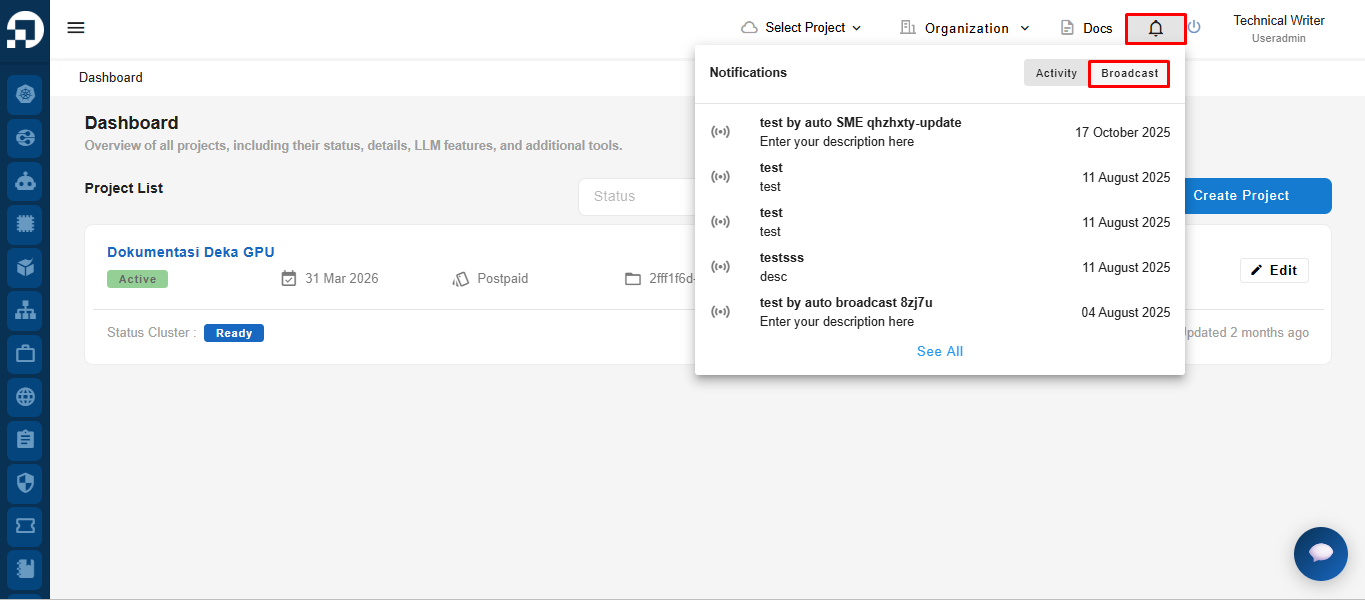
Click the **Notifications** icon in the top navigation bar, then select the **Broadcast** tab.
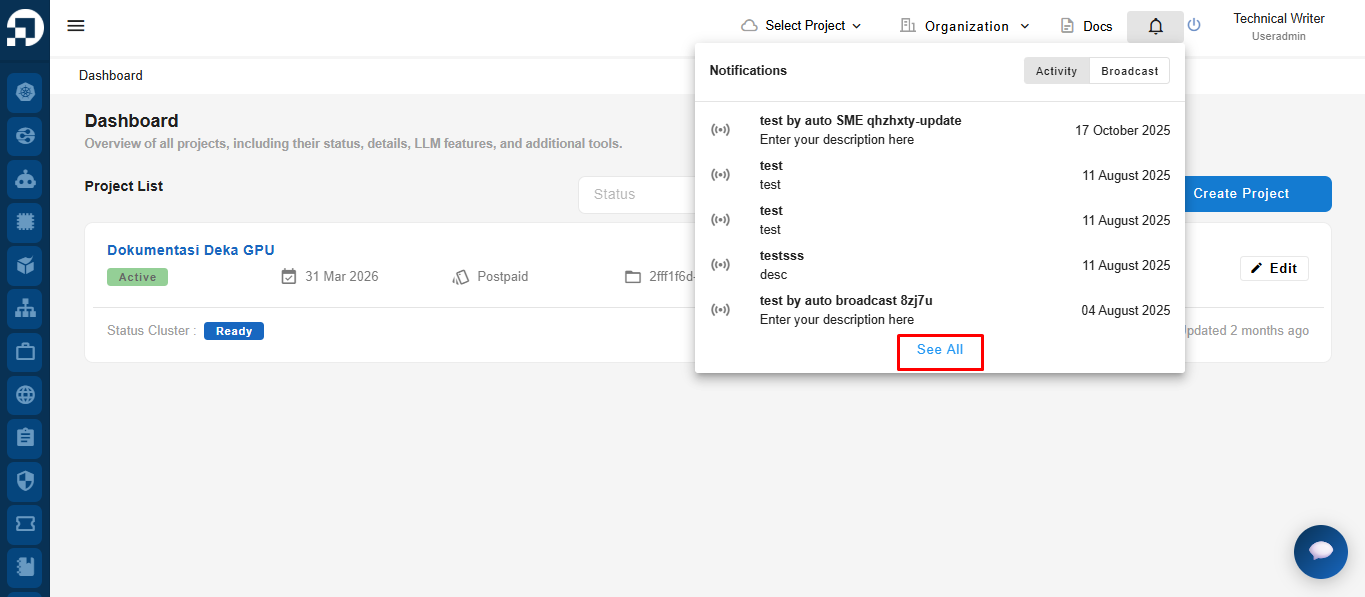
Click **See All** to view the complete list of broadcast messages and their details.
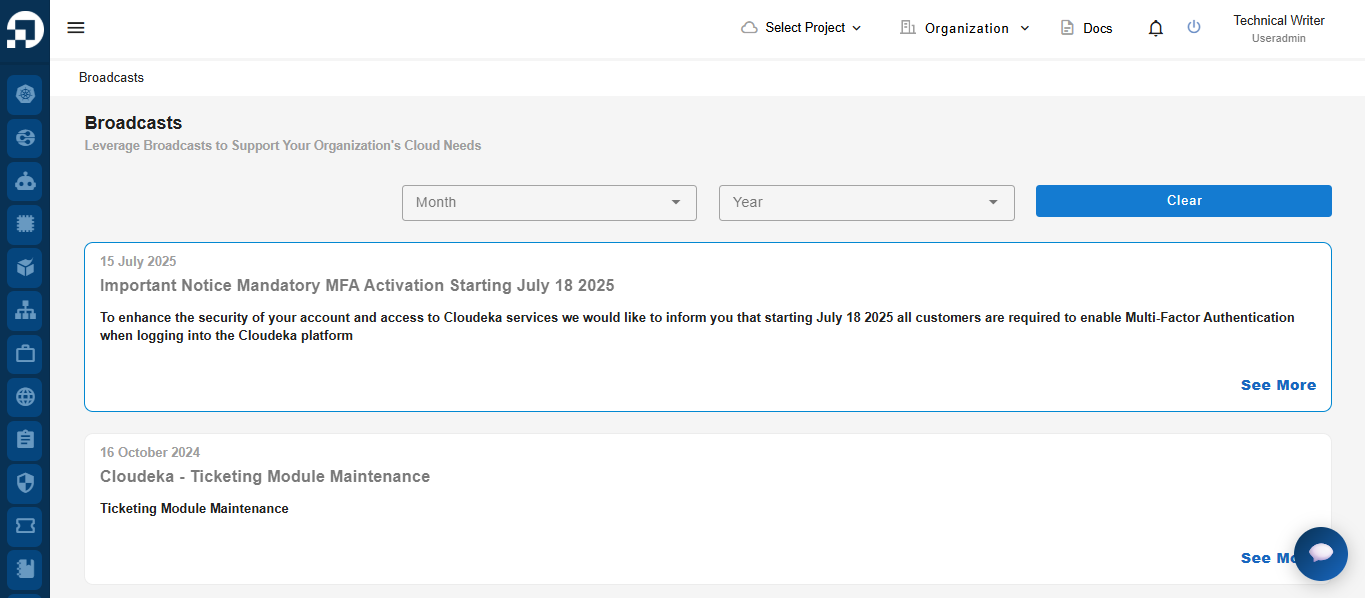
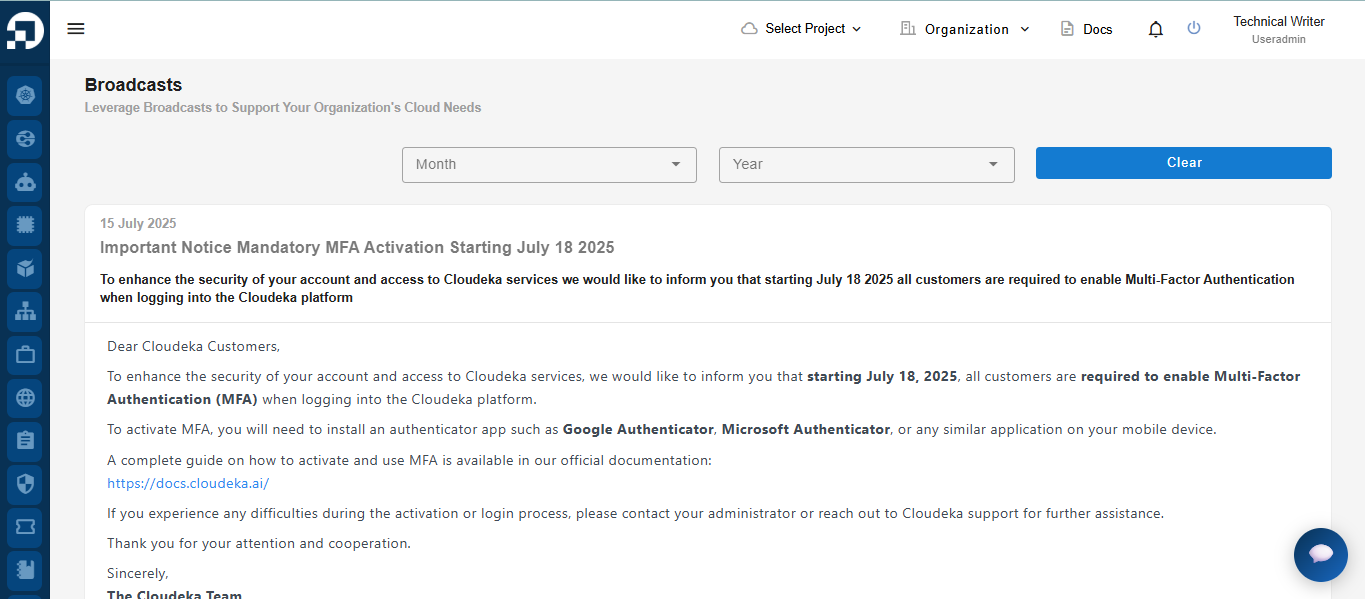
The system displays the **Broadcasts** page, showing a list of all broadcast messages.
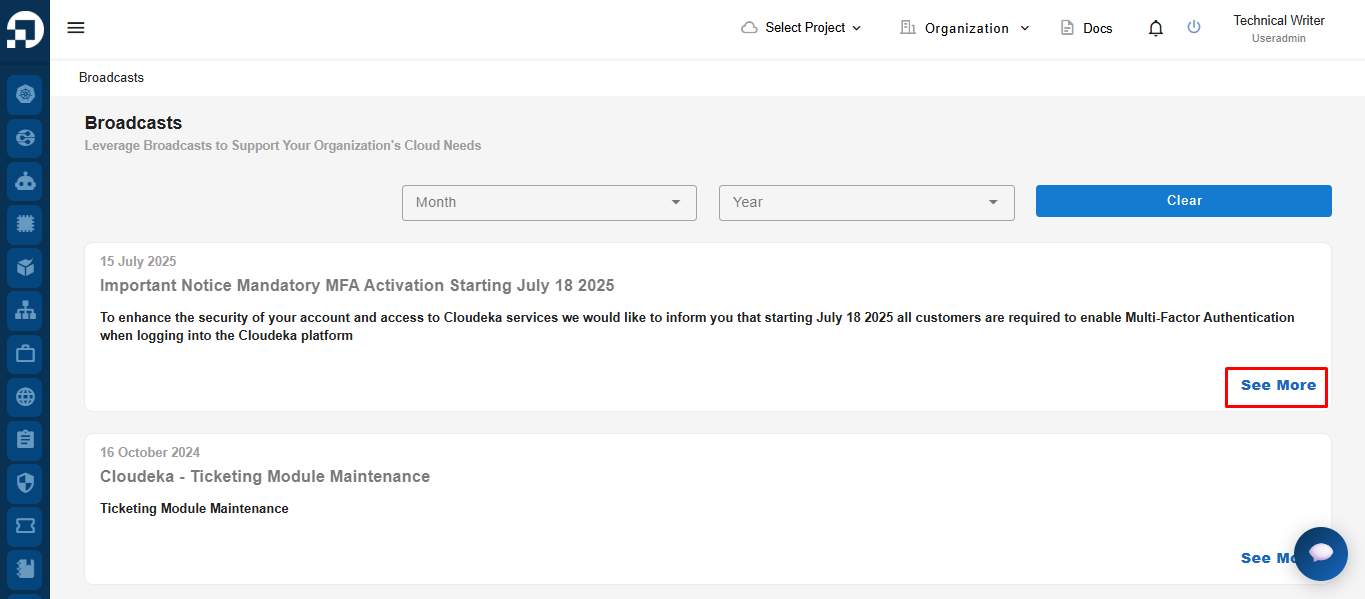
Click **See More** on a broadcast to view its complete details.
The system displays the complete broadcast information, allowing users to read the full announcement and any related details.
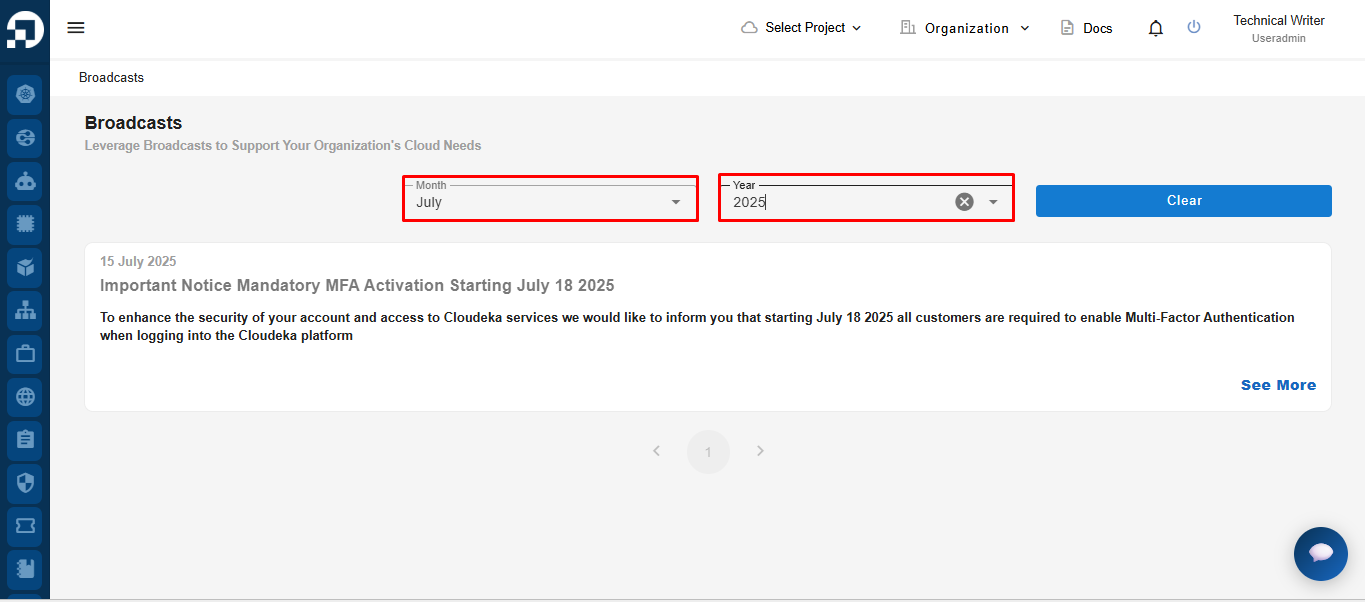
## Filter Broadcast
To filter broadcast messages, select the desired **Month** and **Year**. The system automatically displays broadcast messages that match the selected period.
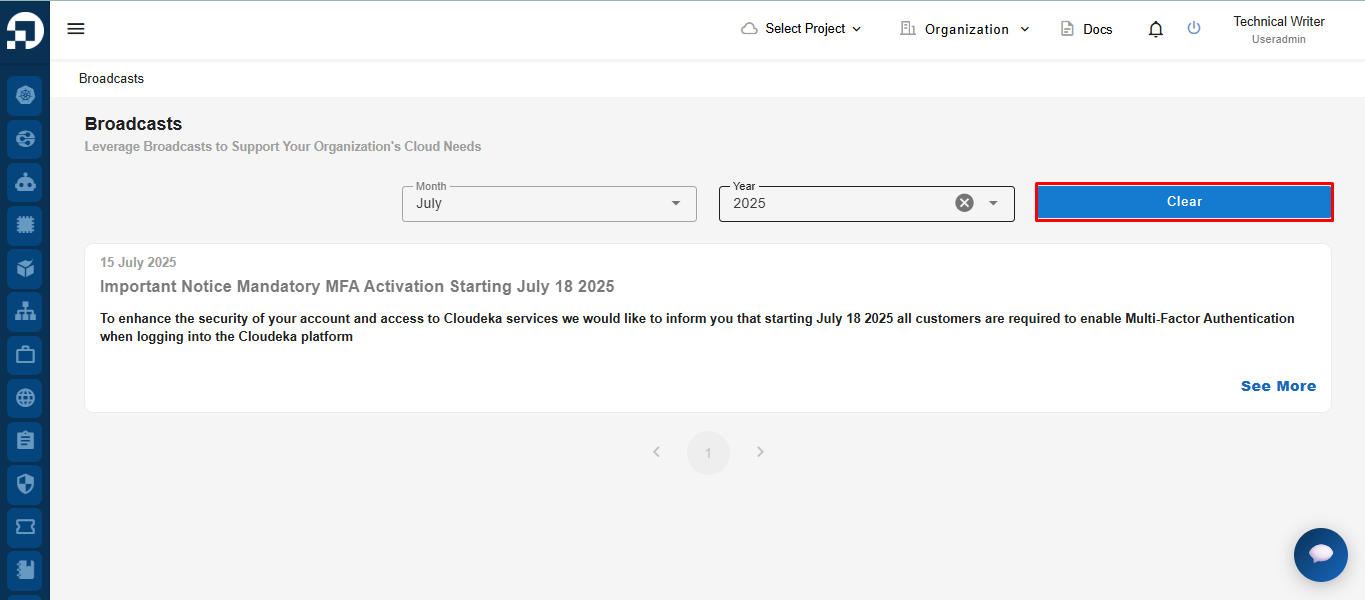
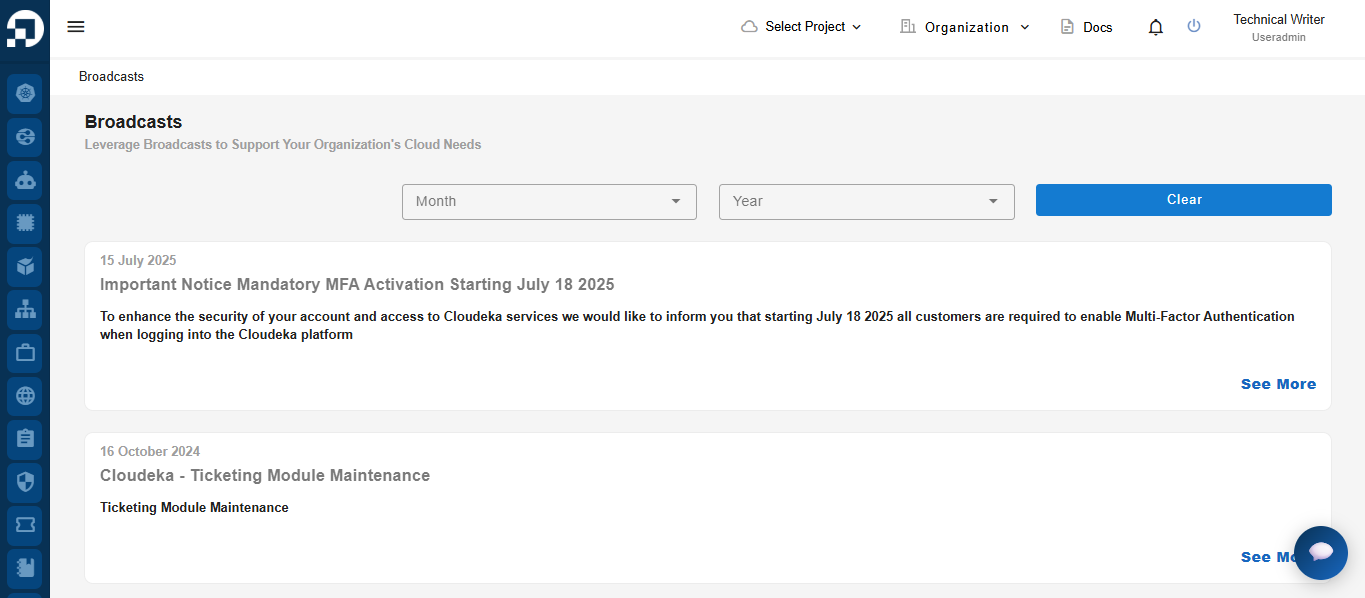
Click the **Clear** button to remove the selected **Month** and **Year** filters and display all available broadcast messages.