> For the complete documentation index, see [llms.txt](https://docs.cloudeka.ai/llms.txt). Markdown versions of documentation pages are available by appending `.md` to page URLs; this page is available as [Markdown](https://docs.cloudeka.ai/service-portal-ai/claudia-chatbot.md).
# Claudia Chatbot
## Overview
Claudia Chatbot is an AI-powered virtual assistant available in Service Portal Cloudeka to help users find information related to products, services, features, and documentation. Responses are generated based on Service Portal Cloudeka and may include links to relevant documentation pages for further information. Claudia Chatbot is specifically designed to answer questions related to Service Portal Cloudeka.
{% hint style="info" %}
**Note:** Claudia Chatbot provides responses based on Service Portal Cloudeka documentation. Questions outside the documented scope may not return relevant results.
{% endhint %}
## Access Claudia Chatbot
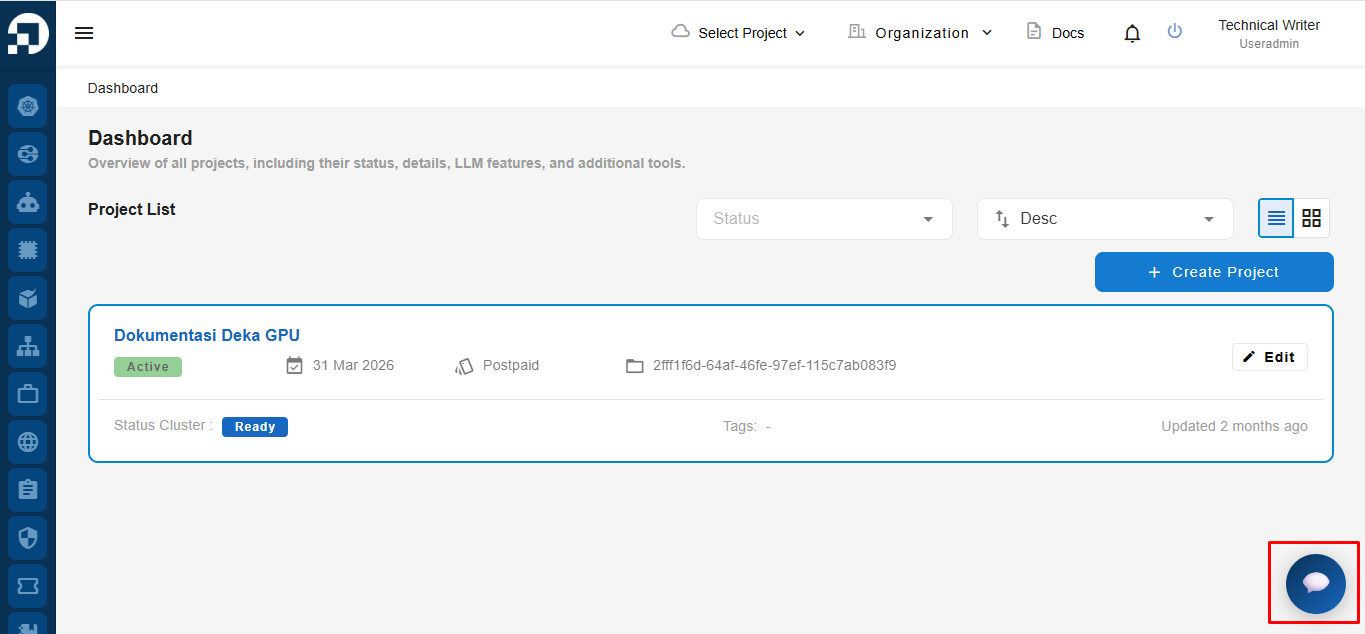
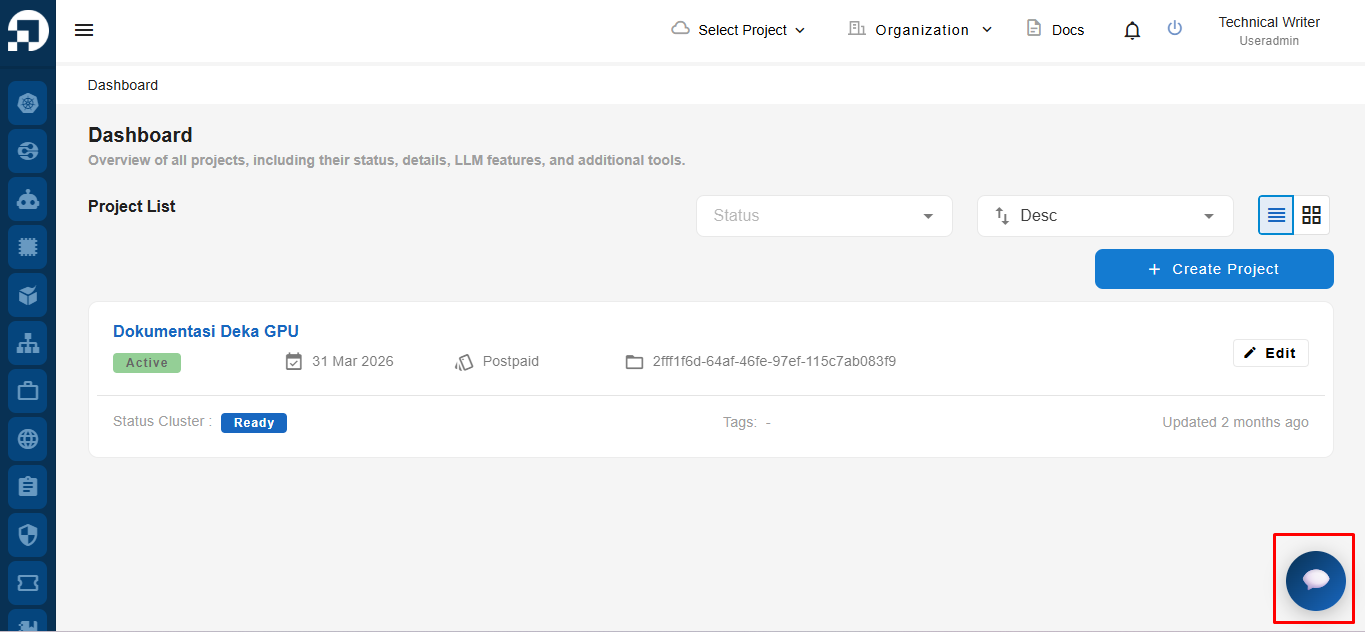
After logging in to Service Portal Cloudeka, users can access Claudia Chatbot by clicking the chat icon located at the bottom-right corner of the page.
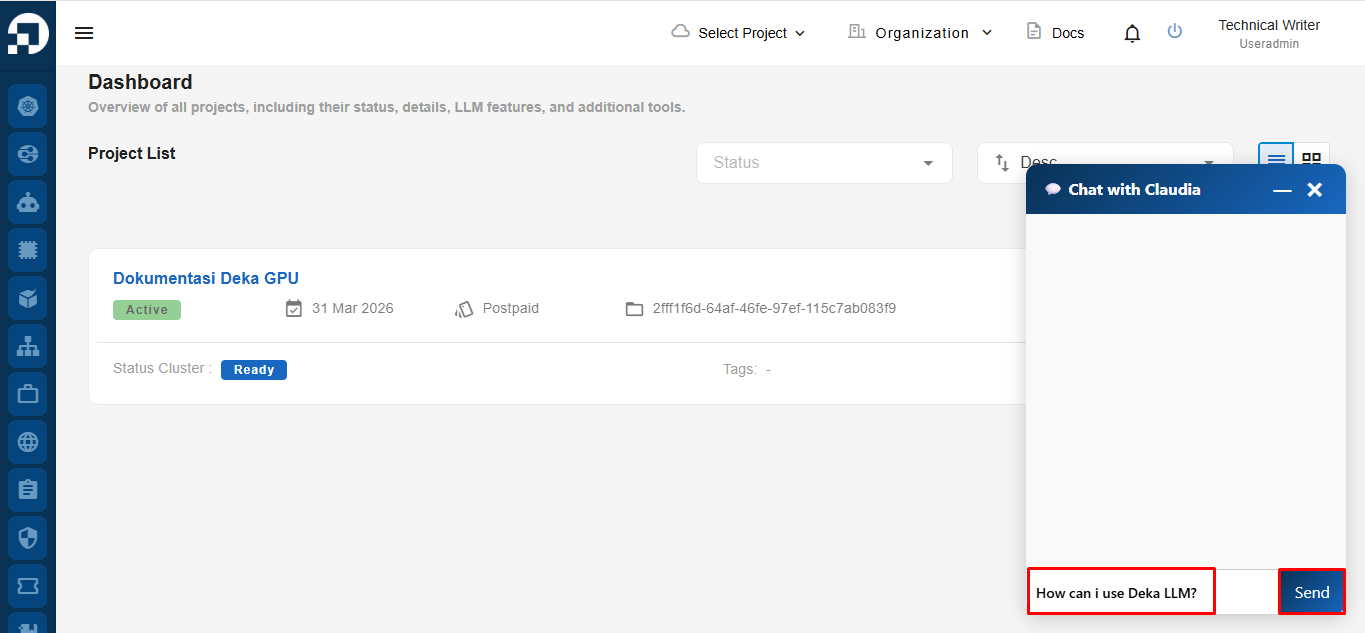
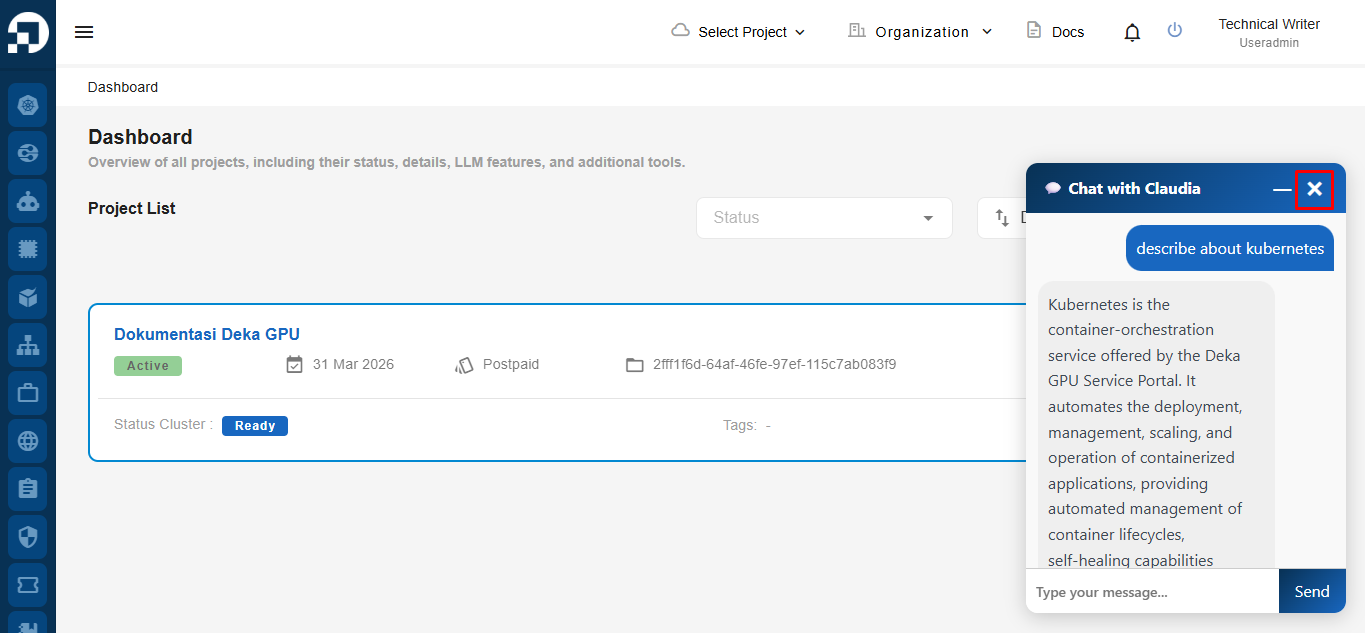
After clicking the Claudia Chatbot icon, the chat window will be displayed. Enter a question related to Service Portal Cloudeka products, features, or services in the message field, then click **Send** to submit your question.
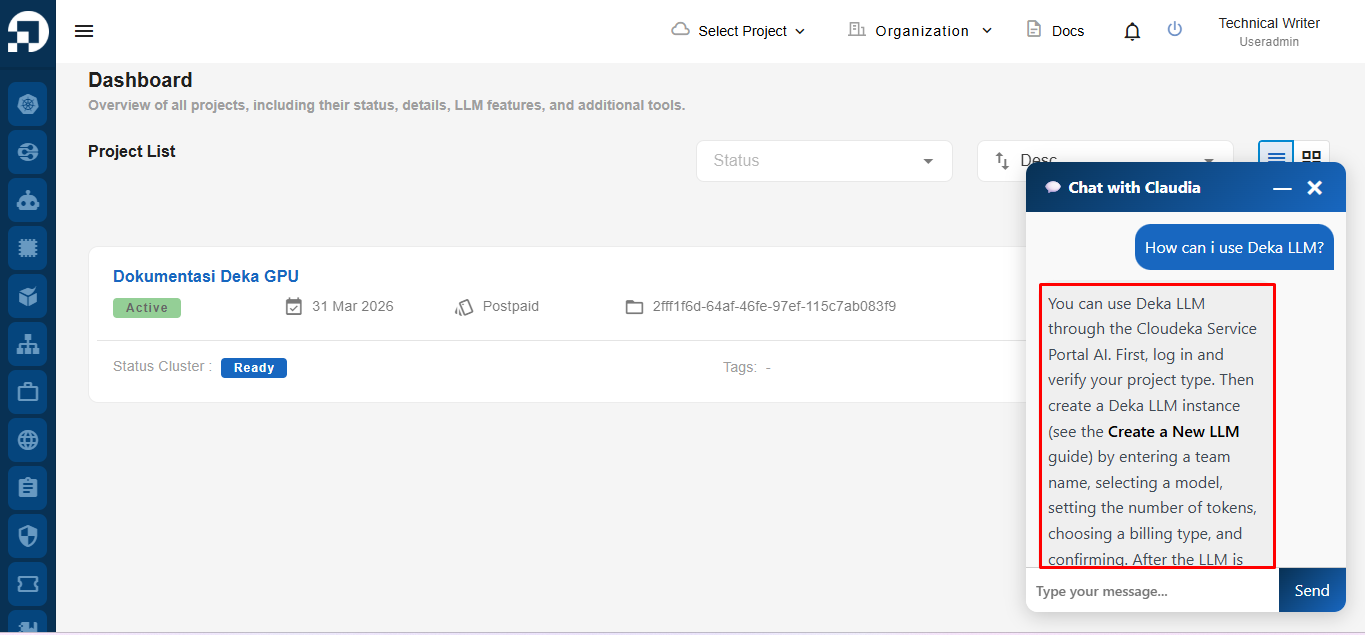
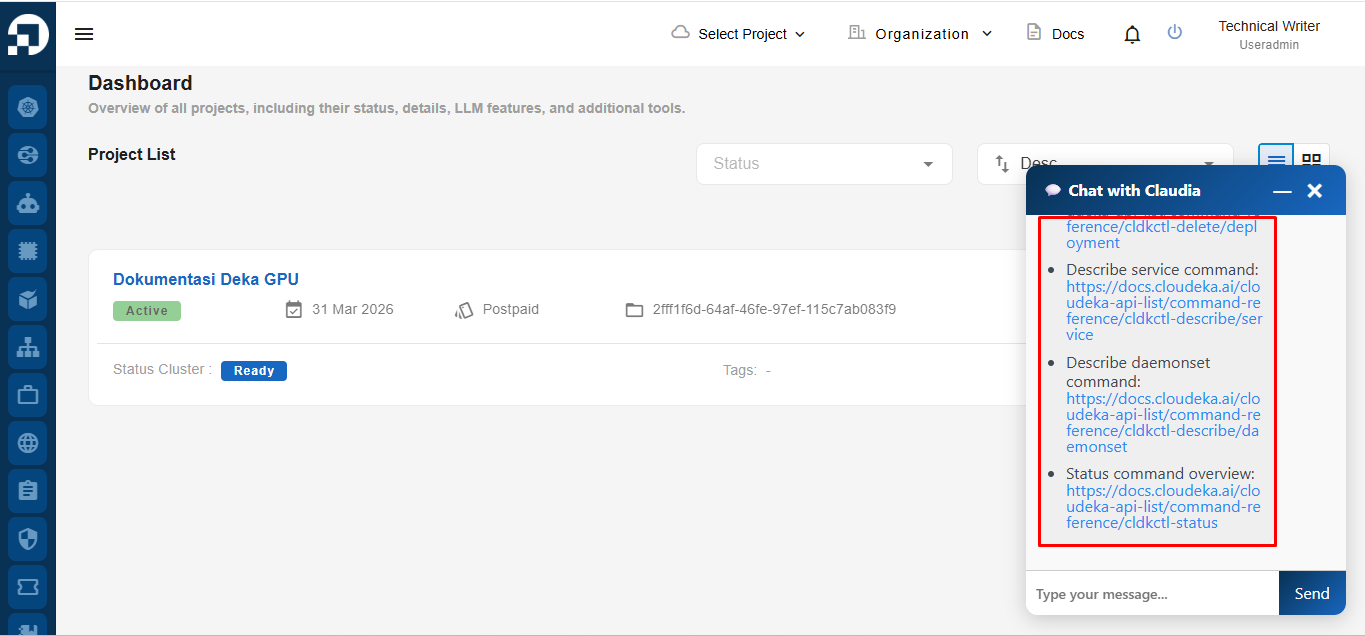
After clicking **Send**, Claudia Chatbot will display a response based on the Service Portal Cloudeka Documentation and may provide related documentation references for further information.
After you have finished using Claudia Chatbot, click the **X** button located in the upper-right corner of the chat window to close the chatbot session.
{% hint style="info" %}
**Note:** Chat history is not stored. Conversations from previous sessions cannot be retrieved after the chat window is closed.
{% endhint %}
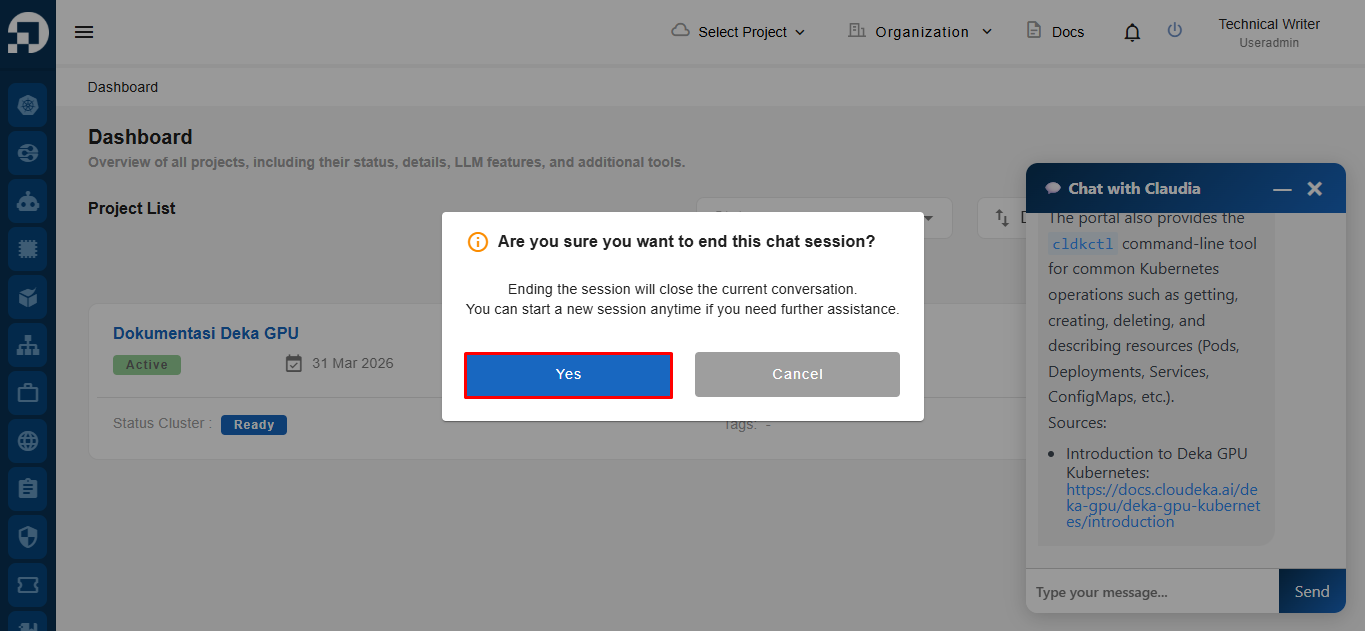
The system will display a confirmation dialog informing you that ending the session will close the current conversation. To end the chat session, click **Yes**. To continue the current conversation, click **Cancel**.
## Documentation References
Claudia Chatbot may provide references to official Cloudeka documentation related to the submitted query. Users can access these references to obtain more detailed information, including configuration guides, prerequisites, usage instructions, and additional resources. This helps users quickly find relevant information while still having access to the complete documentation available in the Cloudeka Documentation Portal.
**For complete documentation, visit:**