# Delete Roles

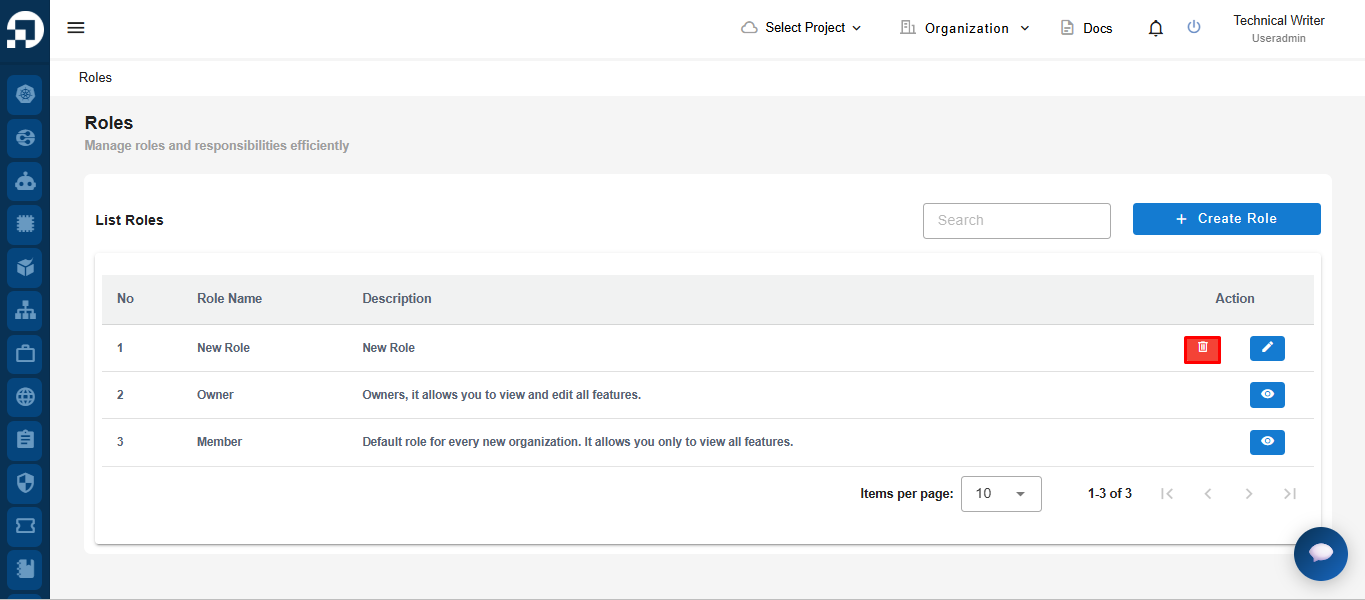
This section explains the steps for deleting roles that are no longer used in the Service Portal Deka GPU. The roles whose data can be deleted are newly added users. On the List Roles page, click the **Delete button.**

<figure><img src="/files/Yd5S5mGsG1qAdnNMUkCF" alt=""><figcaption></figcaption></figure>

<p align="center">Delete role</p>

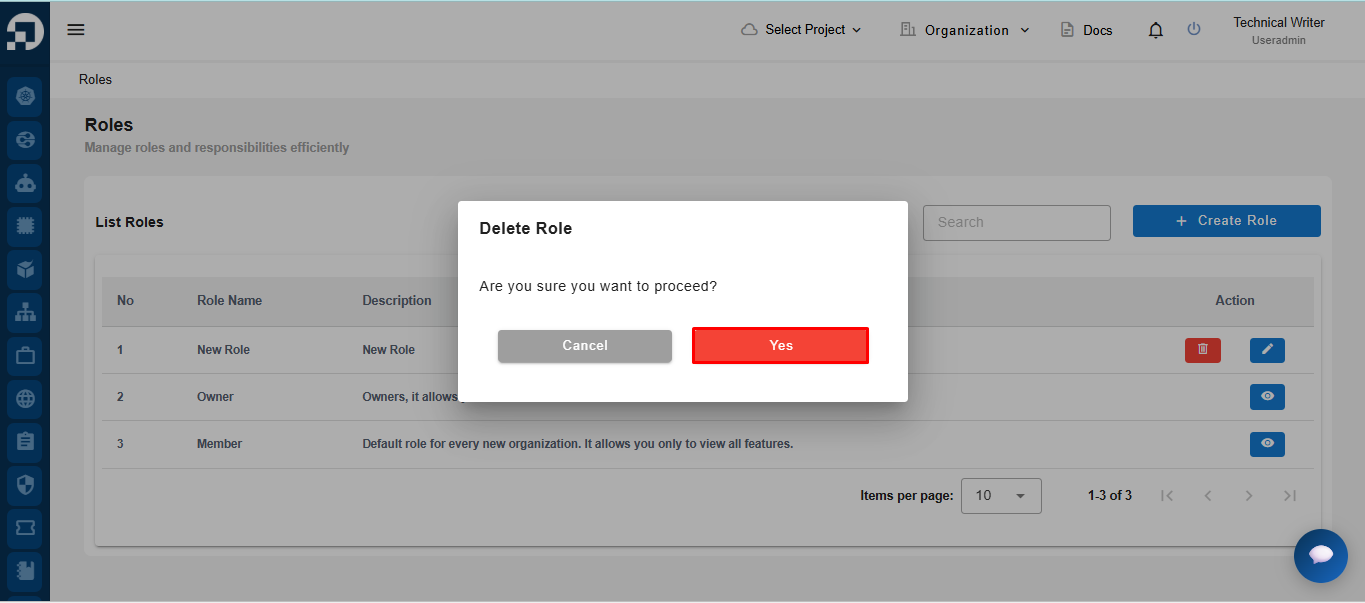
The Delete Role window appears, to ensure that you are sure to delete the selected role, and press the Yes button.

<figure><img src="/files/TOviM5elgOXH2PrtUicA" alt=""><figcaption></figcaption></figure>

<p align="center">Delete role</p>

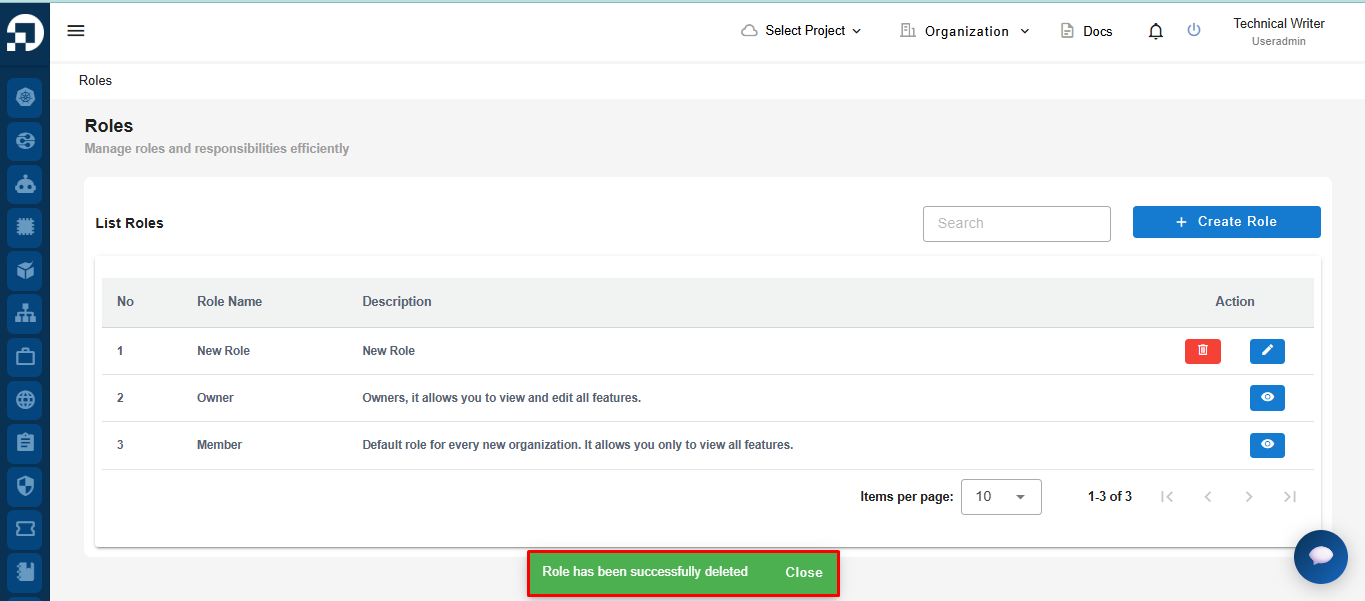
Wait until the process is complete and the Role has been successfully deleted notification appears that the role has been successfully deleted on the List Roles page.
<figure><img src="/files/r1XH6fsm1LkgYI3aoMfW" alt=""><figcaption></figcaption></figure>

<p align="center">Sucess deleted</p>


---

# Agent Instructions: Querying This Documentation

If you need additional information that is not directly available in this page, you can query the documentation dynamically by asking a question.

Perform an HTTP GET request on the current page URL with the `ask` query parameter:

```
GET https://docs.cloudeka.ai/service-portal-ai/list-roles/delete-roles.md?ask=<question>
```

The question should be specific, self-contained, and written in natural language.
The response will contain a direct answer to the question and relevant excerpts and sources from the documentation.

Use this mechanism when the answer is not explicitly present in the current page, you need clarification or additional context, or you want to retrieve related documentation sections.