> For the complete documentation index, see [llms.txt](https://docs.cloudeka.ai/llms.txt). Markdown versions of documentation pages are available by appending `.md` to page URLs; this page is available as [Markdown](https://docs.cloudeka.ai/service-portal-ai/organization-settings/create-user/edit-user.md).

# Edit User

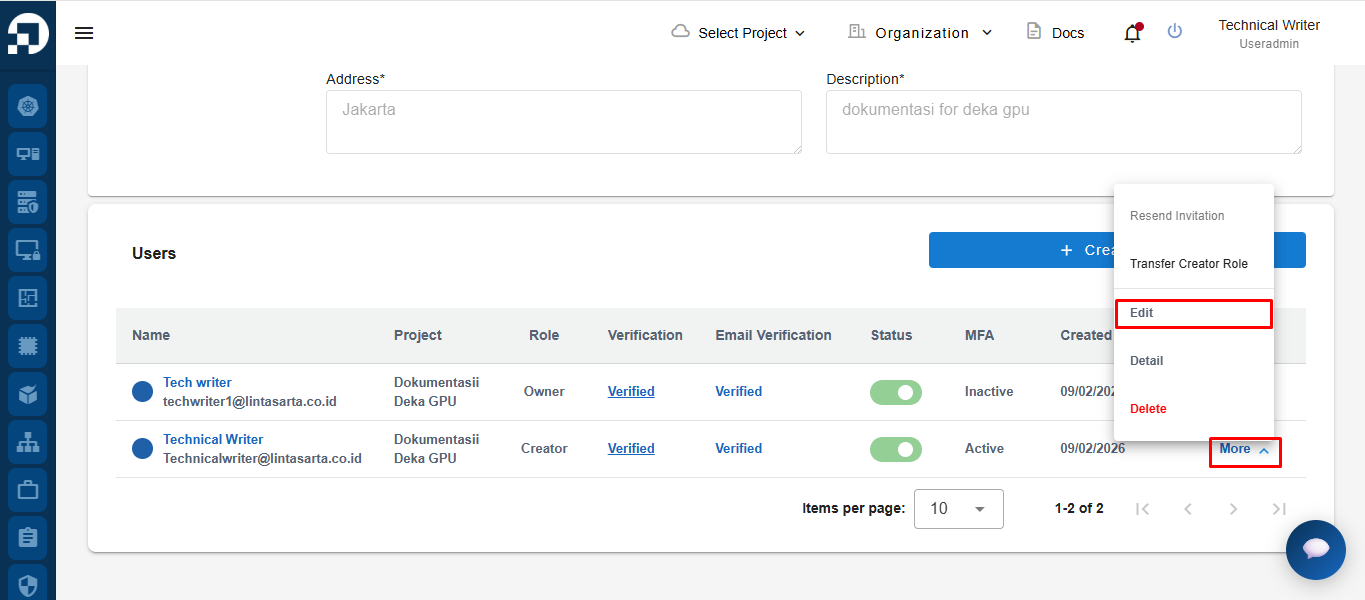
To edit user information, click the **More** button on the selected user row, then choose **Edit**.

<figure><img src="/files/LjtWRaxJjWdCrt7MueGz" alt=""><figcaption></figcaption></figure>

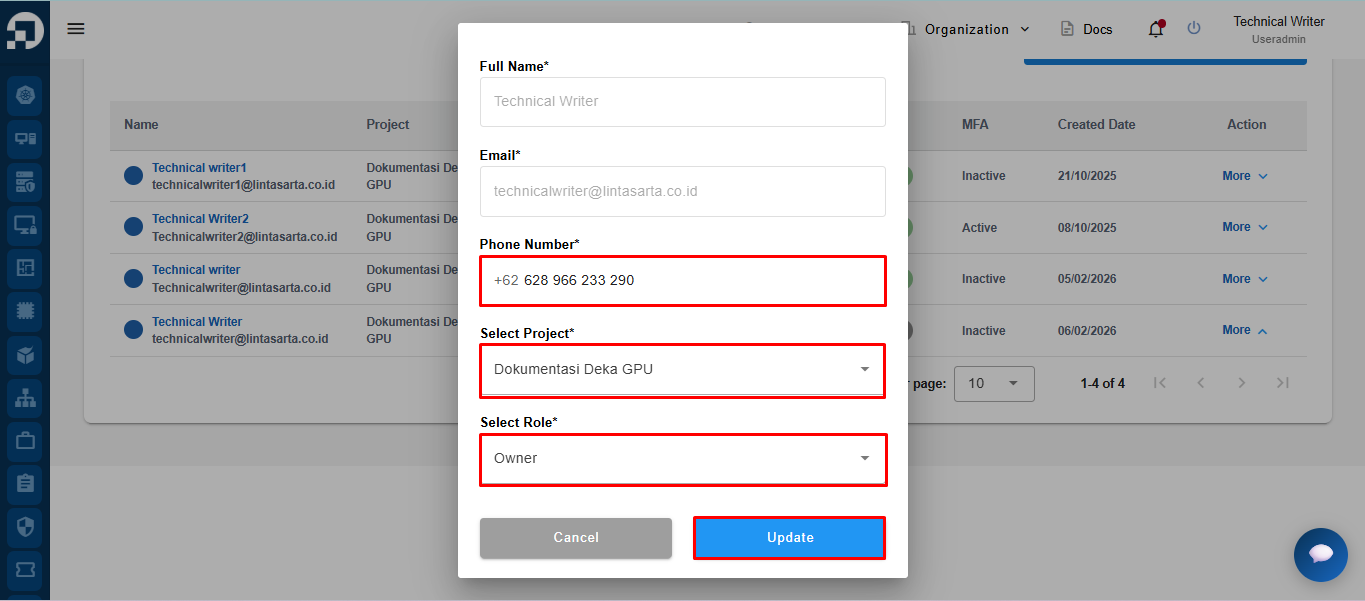
&#x20;After selecting **Edit**, the system will display the **Edit User** form. The user can update the available fields, such as **Phone Number**, **Select Project**, and **Select Role**, then click the **Update** button to save the changes.

<figure><img src="/files/9Khaxt21z06QsrfJGppe" alt=""><figcaption></figcaption></figure>

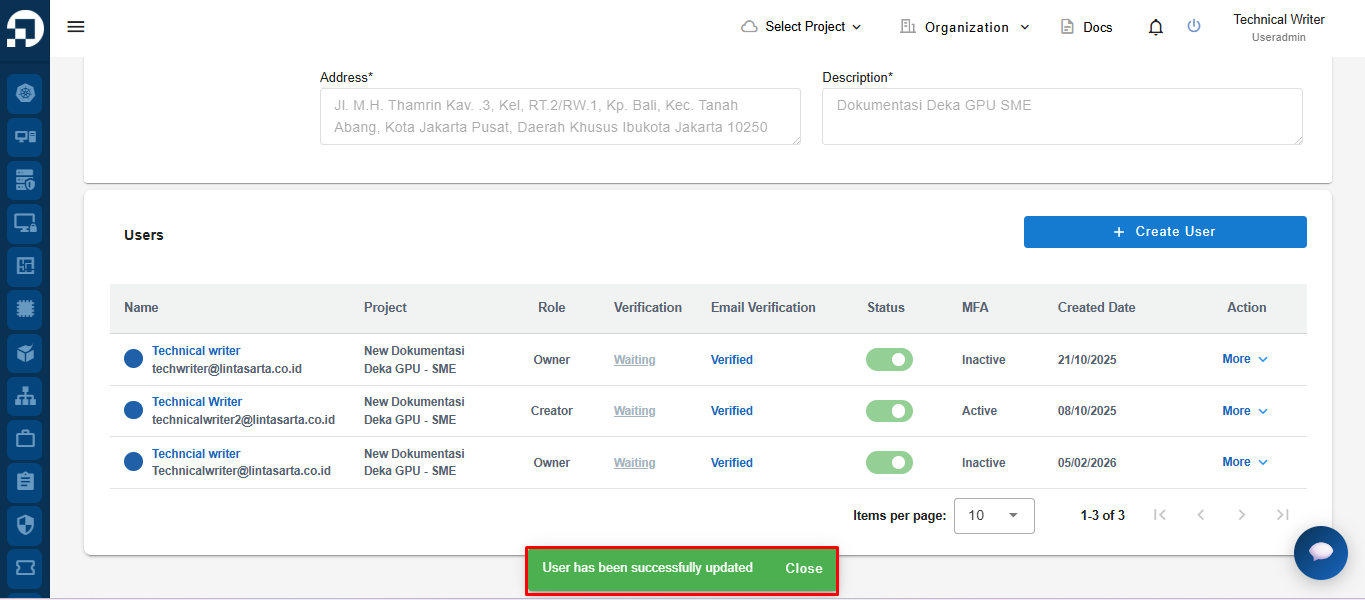
After the update process is completed successfully, the system will display the notification **"User has been successfully updated"**.
<figure><img src="/files/1jSMaUr3g2h7BbvgSAhF" alt=""><figcaption></figcaption></figure>