> For the complete documentation index, see [llms.txt](https://docs.cloudeka.ai/llms.txt). Markdown versions of documentation pages are available by appending `.md` to page URLs; this page is available as [Markdown](https://docs.cloudeka.ai/service-portal-ai/ticket/discussion-with-team-support-cloudeka.md).
# Discussion with Team Support Cloudeka
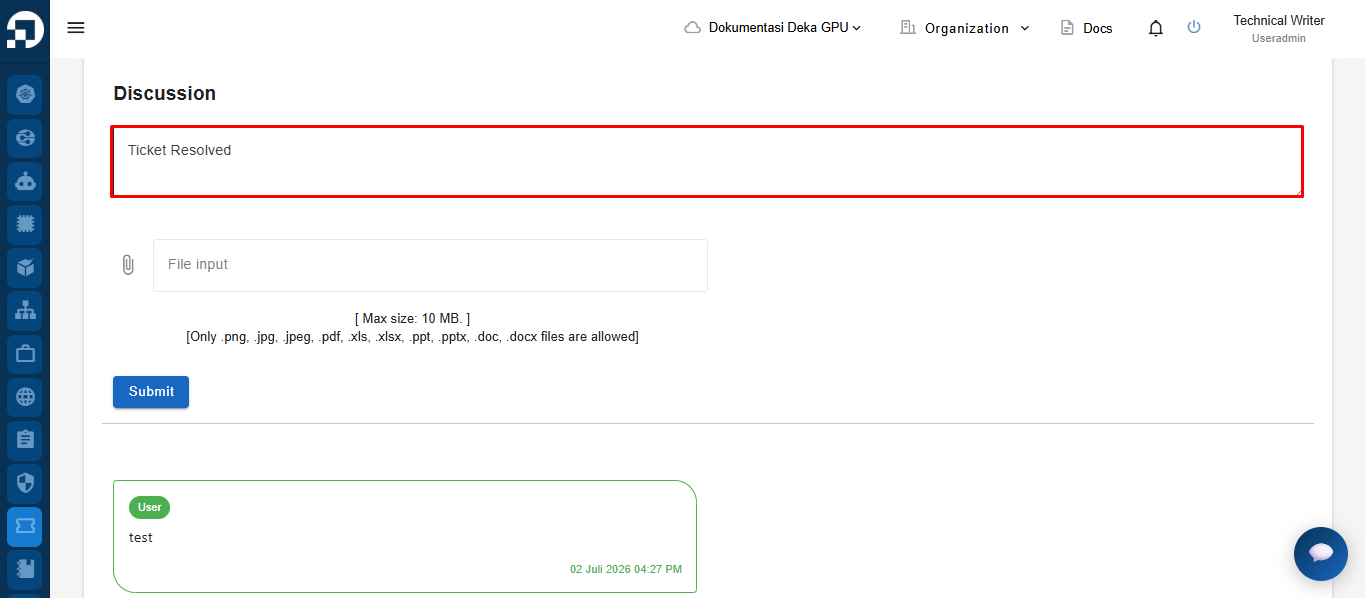
On the **Discussion** section of the **Ticket Details** page, enter your comments or additional information in the discussion field.
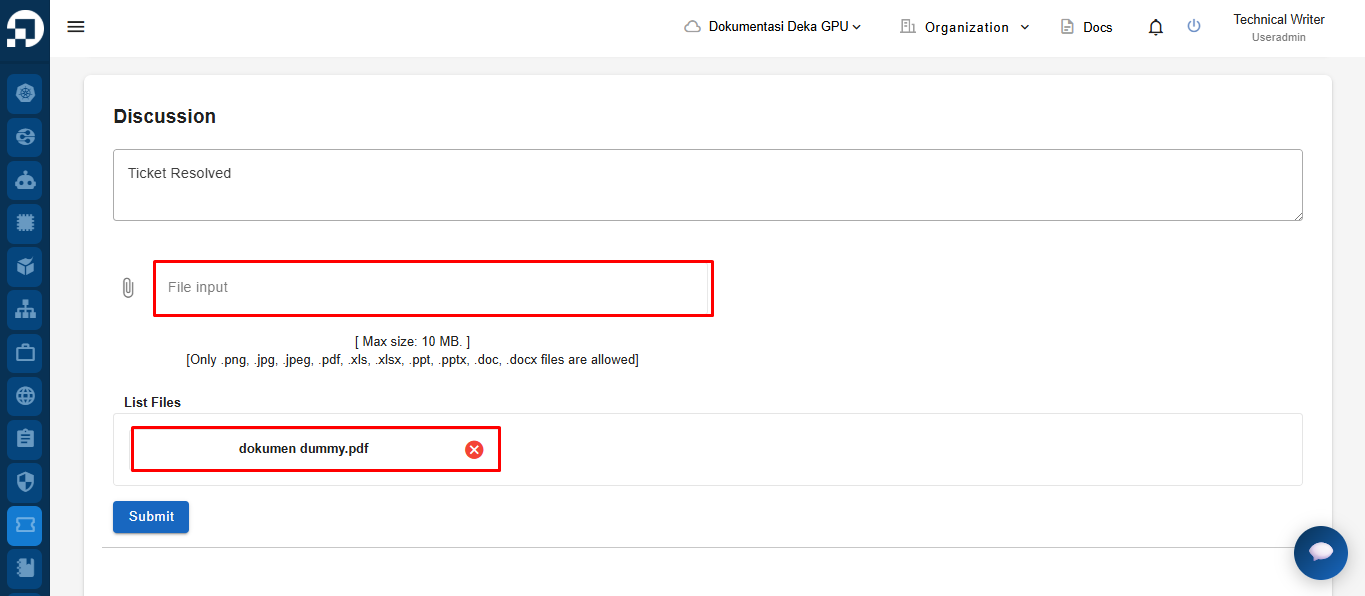
Upload the file you want to attach using the **File input** field. After the file is uploaded successfully, it will appear in the **List Files** section.
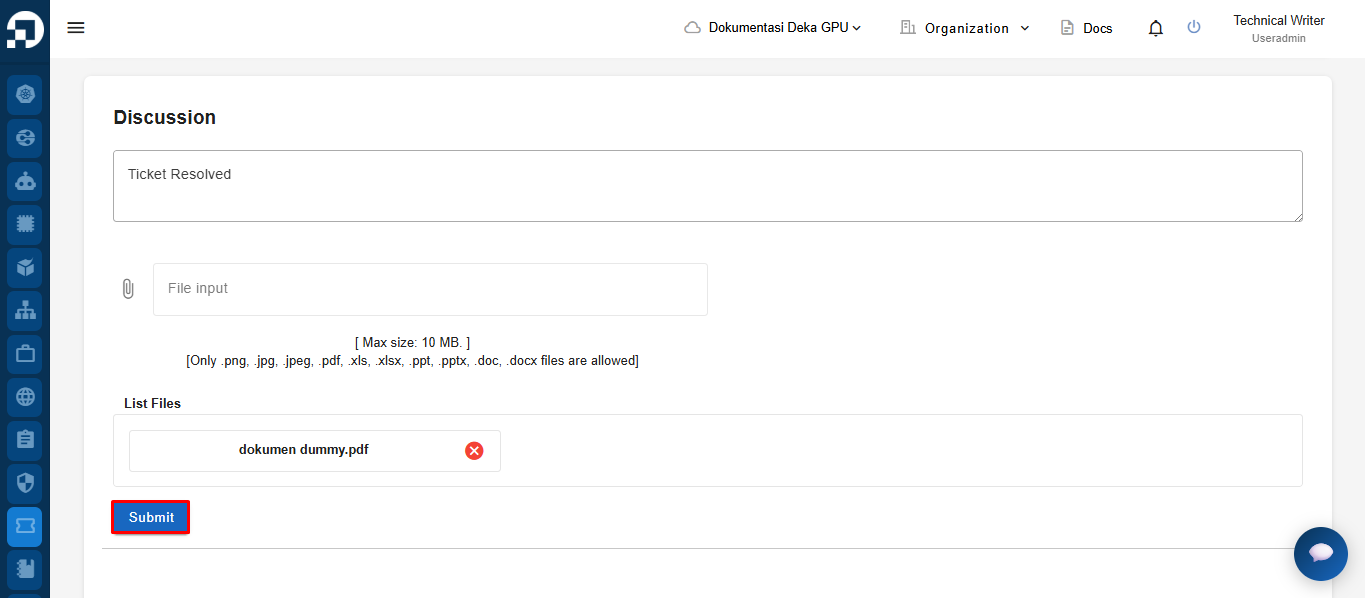
Click **Submit** to post the discussion and upload the attached file to the ticket.
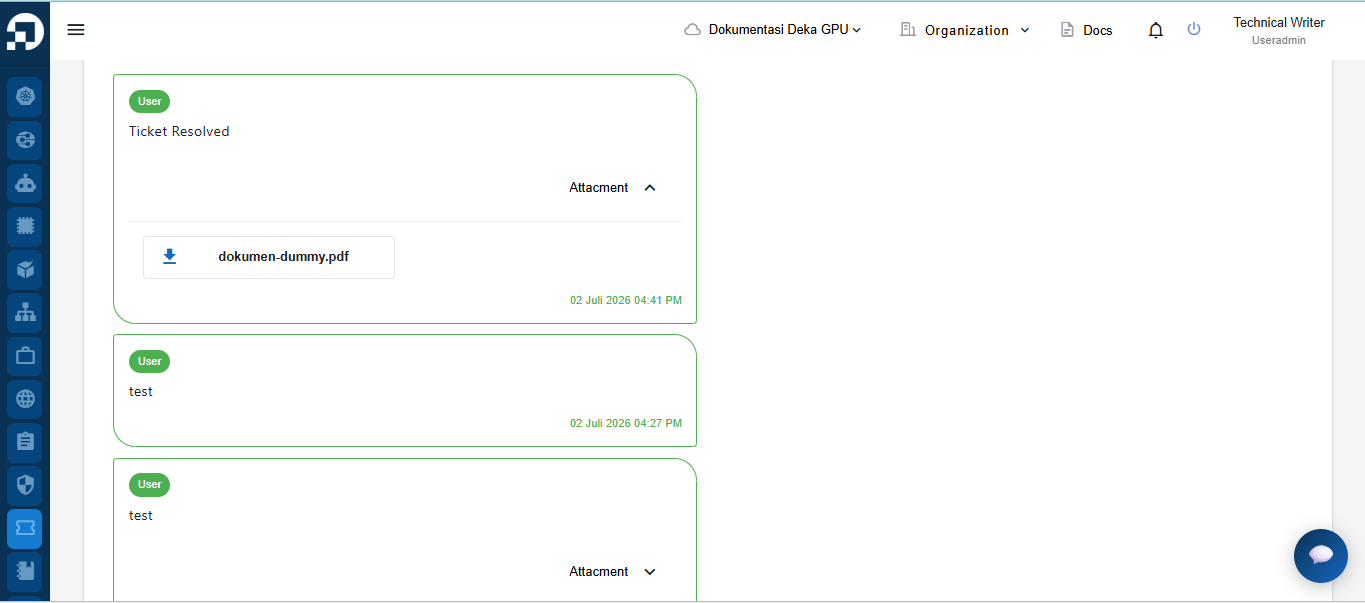
The submitted discussion is displayed in the discussion history. If an attachment is included, the uploaded file is also displayed and can be downloaded from the discussion.