> For the complete documentation index, see [llms.txt](https://docs.cloudeka.ai/llms.txt). Markdown versions of documentation pages are available by appending `.md` to page URLs; this page is available as [Markdown](https://docs.cloudeka.ai/reference/deployment-llama-3.1-70b-with-vllm-on-kubernetes/create-persistentvolumeclaim-pvc.md).
# Create PersistentVolumeClaim (PVC)
Create a PVC to provide storage for the model cache. If you are using a Linux operating system, then run the following syntax to create the pvc.yaml file.
```bash
nano pvc.yaml
```
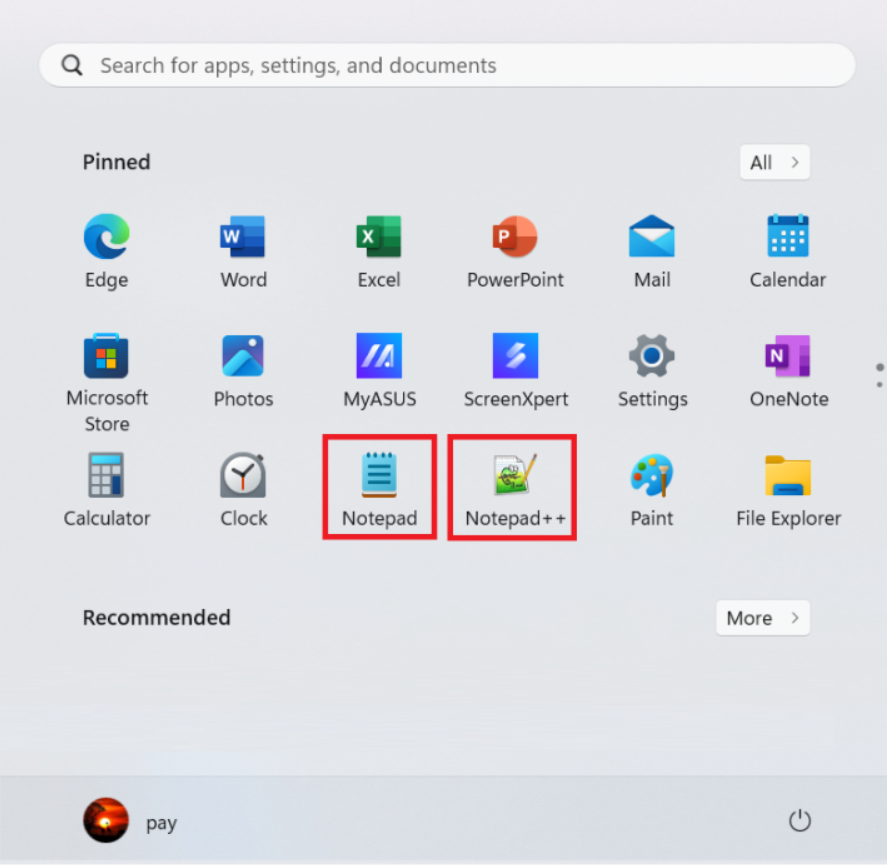
If you are using a Windows operating system, open a text editor such as Notepad or Notepad++.
Text Editor
Enter the following syntax.
```yaml
apiVersion: v1
kind: PersistentVolumeClaim
metadata:
name: llama-31-70b-instruct
namespace: vllm
spec:
accessModes:
- ReadWriteMany
resources:
requests:
storage: 250Gi
storageClassName: storage-nvme-c1
volumeMode: Filesystem
```
If you are using a Linux operating system, run the following syntax but If you are using a Windows operating system save the file as pvc.yaml. in CMD, navigate to the folder that contains the pvc.yaml file and run the following syntax.
```bash
kubectl apply -f pvc.yaml
```
Success Create PVC
{% hint style="warning" %}
To delete the pvc.yaml configuration that has been applied, run the following syntax.
```bash
kubectl delete -f pvc.yaml -n [namespace]
```
**Replace \[namespace] with the namespace you created in the sub-chapter** [**Create Namespace**](/reference/deployment-llama-3.1-70b-with-vllm-on-kubernetes/create-namespace.md)**.**
{% endhint %}